Visualizations
Visualizations in Your Workspace
Section titled “Visualizations in Your Workspace”When working with visualizations, the system supports a flexible data structure through the VisualizationData interface:
Visualization Data Structure
Section titled “Visualization Data Structure”To represent a visualization in your system, you can use the following VisualizationData interface:
type VisualizationData = { userId?: string; projectName: string; type: VisualizationTypesEnum | VisualizationTypesEnum[]; description?: string; name: string; tags?: string | string[]; data: VisualizationDataData; createdAt?: Date; updatedAt?: Date;};Key Attributes
Section titled “Key Attributes”- projectName: The active project.
- type: A string or a string array that provides the type of visualization(array works only for JSON’s).
- name: A unique identifier for the visualization.
- description: An optional field to provide additional context or details about the visualization.
- createdAt: The timestamp indicating when the visualization was initially created.
- updatedAt: The timestamp indicating the last modification of the visualization.
- isActive: A boolean flag specifying whether the project is currently active.
- tags: An optional field used to categorize the visualizations.
- data: The data that the visualization will present
Visualization Types
Section titled “Visualization Types”The system supports the following visualization types:
- WORD_CLOUD
- FORCE_DIRECTED_GRAPH
- SANKEY
- CALENDAR
- HIERARCHICAL_EDGE_BUNDLING
- MATRIX
- LINE_CHART
- BAR_CHART
- PIE_CHART
- SCATTER
- TREEMAP
- SUNBURST
- FUNNEL
- TIMELINE
Practical example
Section titled “Practical example”When utilizing file formats like Excel, XML, JSON, and CSV, the system ensures compatibility with both complete and partial details in the file. All visualizations formats files can be downloaded from here
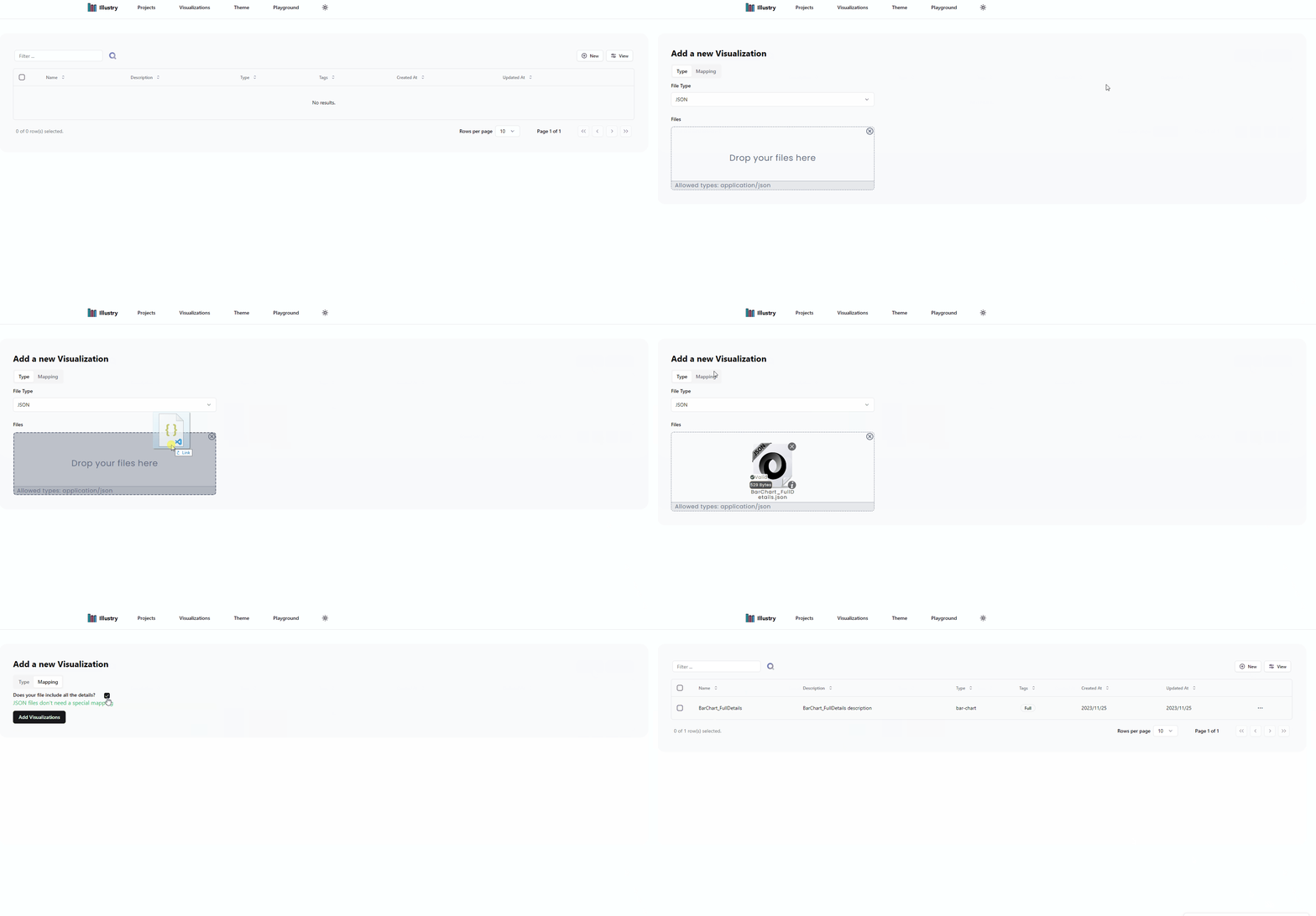
- Example 1: JSON format with all the details
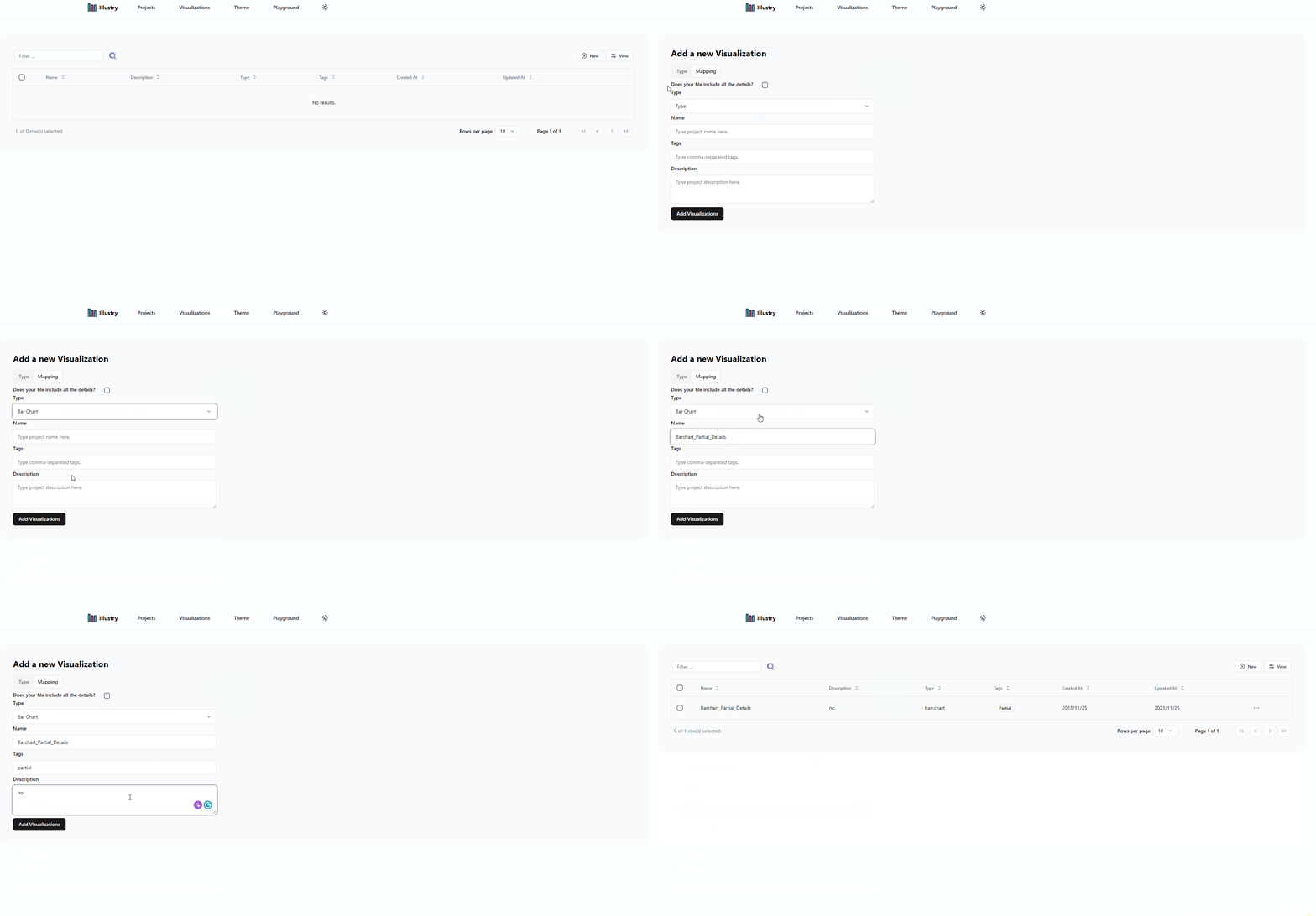
- Example 2: JSON format with partial details, complete the form with the missing details
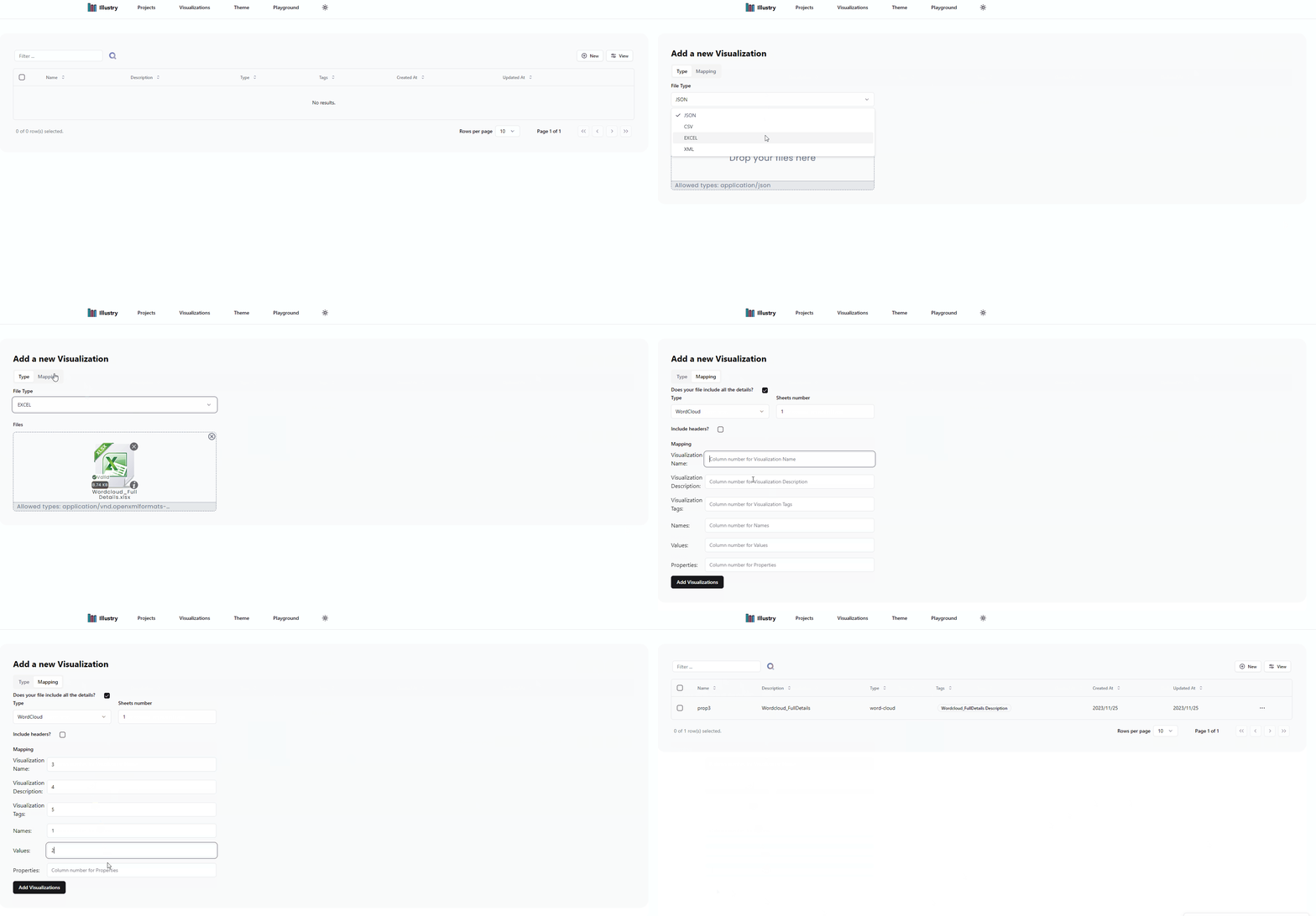
- Example 3: Excel format with all the details, complete the mapping of fields
- Example 4: Excel format with partial details, complete the form with the missing details
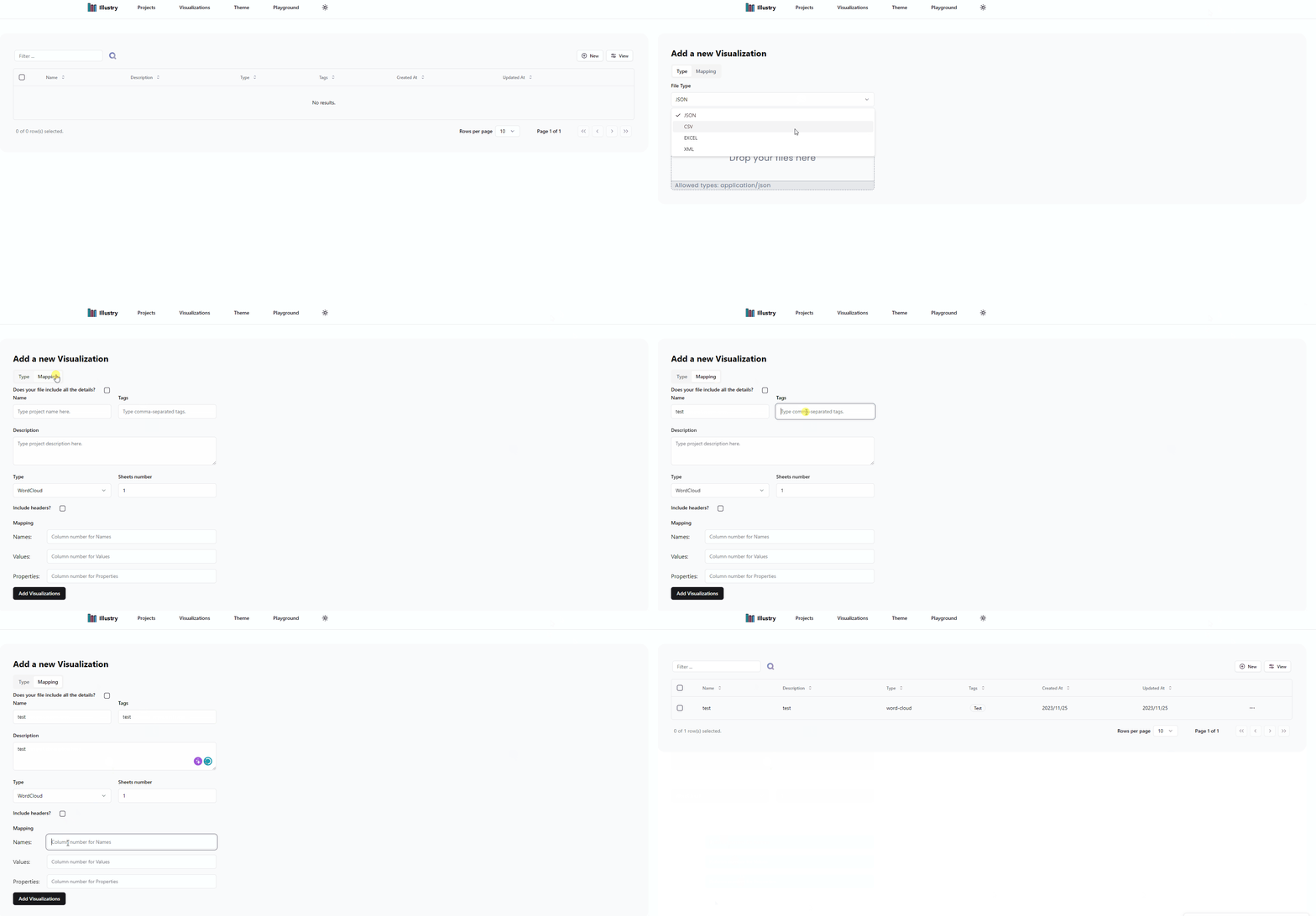
- Example 5: CSV format with all the details, complete the mapping of fields
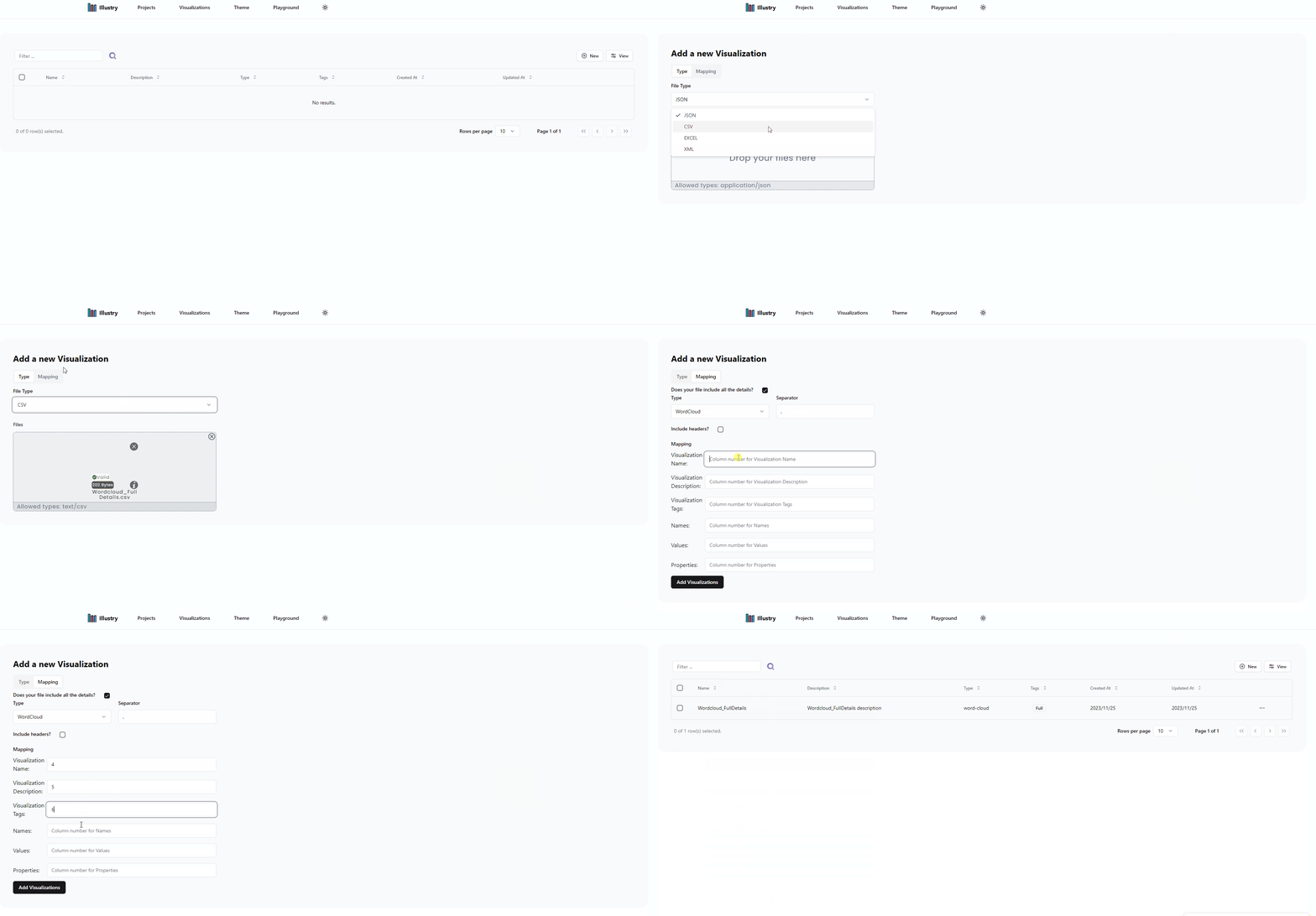
- Example 6: CSV format with partial details, complete the form with the missing details
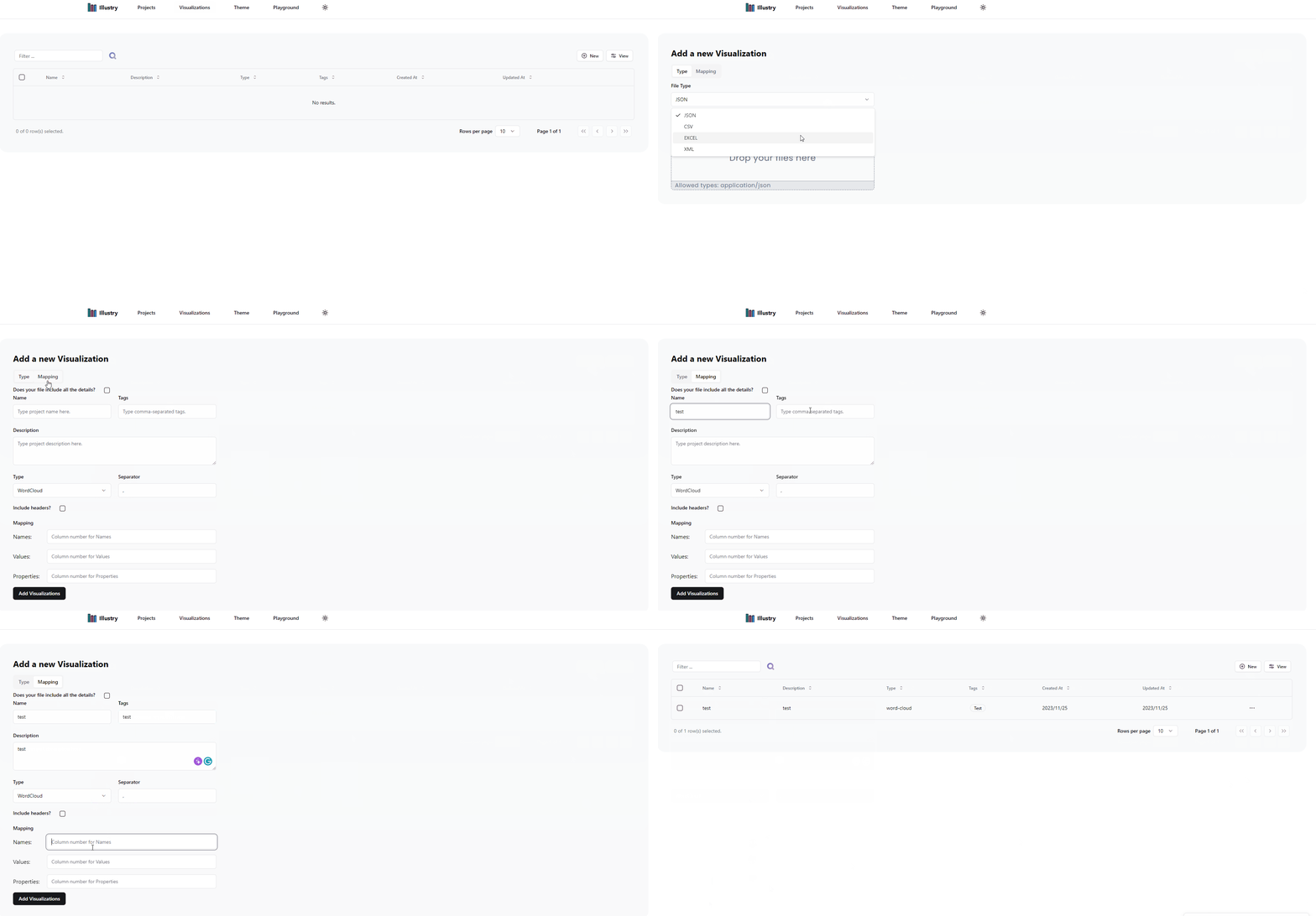
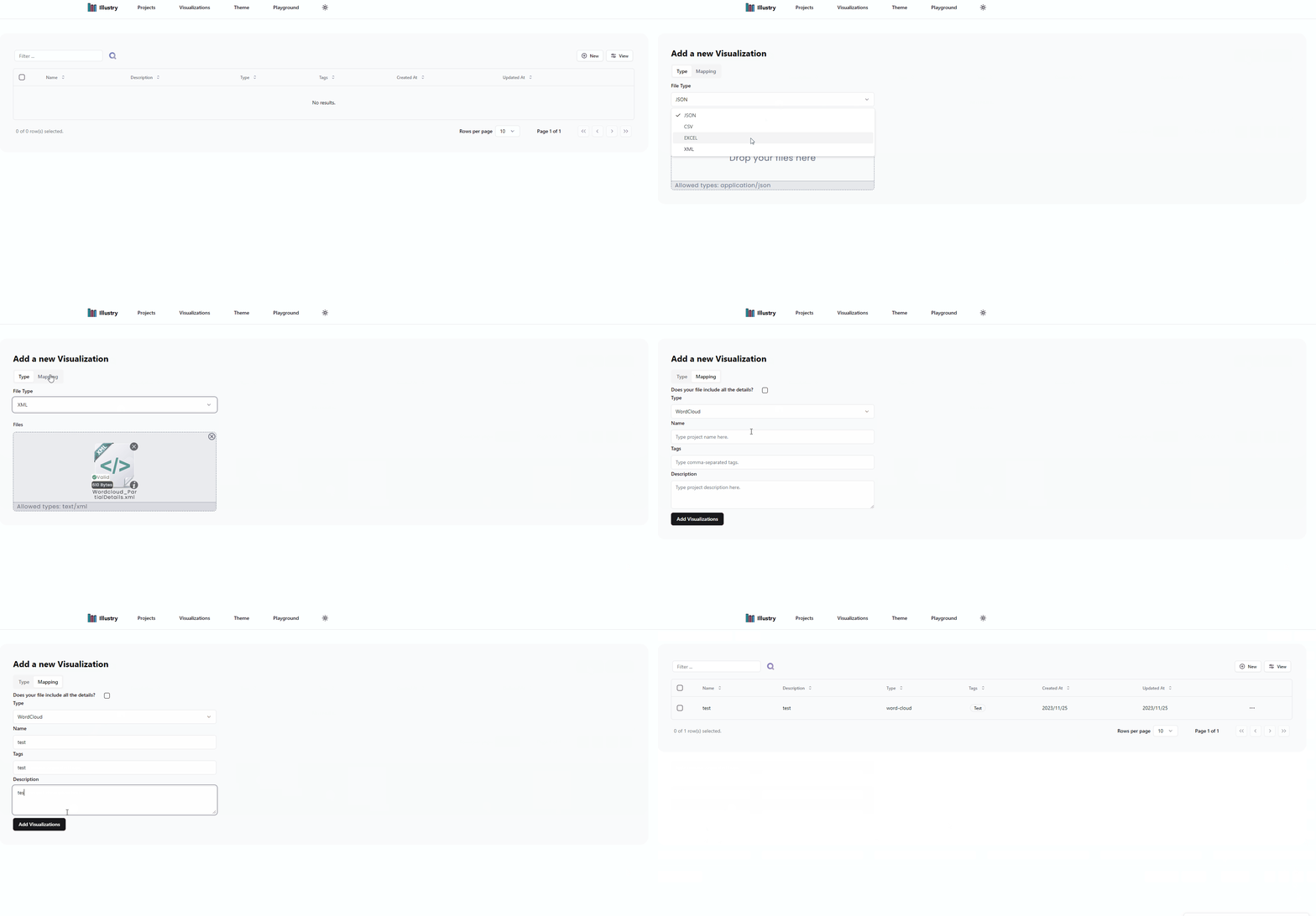
- Example 7: XML format with all the details
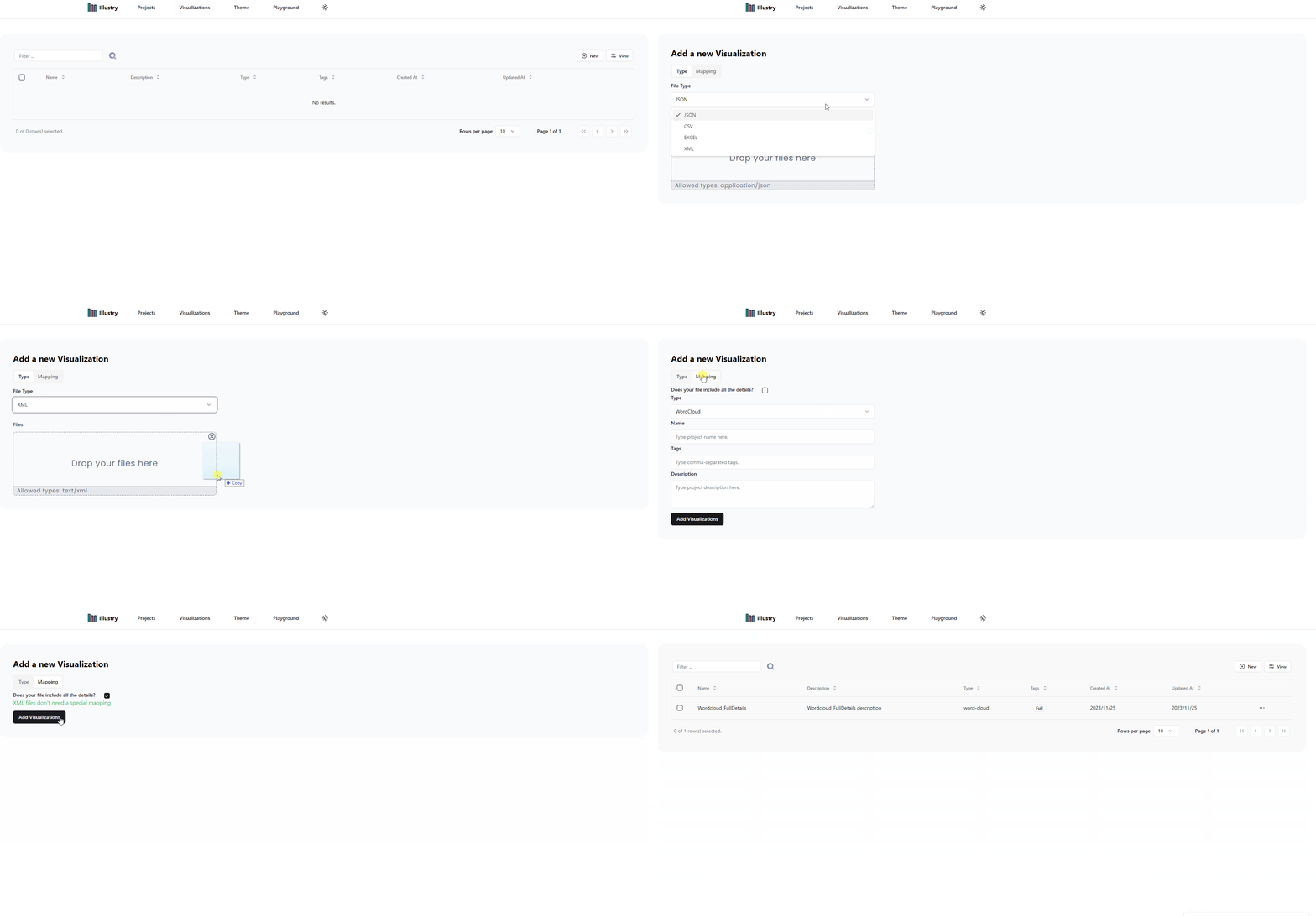
- Example 8: XML format with partial details, complete the form with the missing details